








 1
1 2
2 3
3 4
4 5
5 6
6 7
7 8
8 9
9 10
10The TLI Computer Wave Lab consists of two programs:
- TLI WaveGen and
- TLI CRO
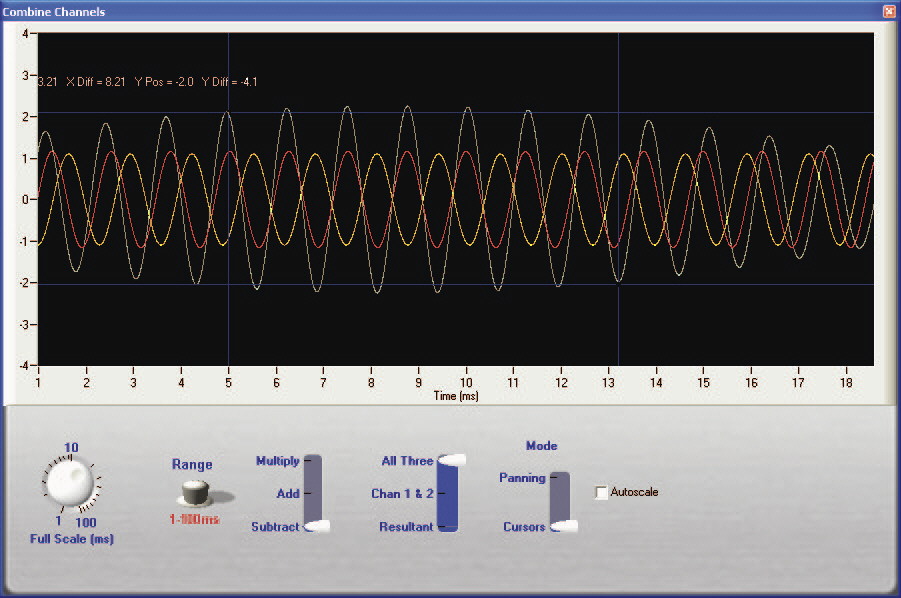
With these two programs you can transform your computer into a powerful Wave Laboratory. Create sine, square and triangle waves. Demonstrate beats, interference and other wave properties with our Computer Wave Lab. You can buy each individually, or as a kit.
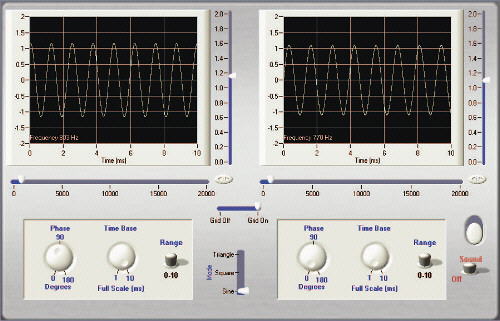
TLI Wave Gen Ver 2.0
Features
- Generates waves of variable frequency to 20 kHz.
- Dual channel output to your data logger, or oscilloscope.
- Control phase difference.
- Simply play through your computer speakers.
- Virtual CRO mode allows you to view signals as an Oscilloscope
- Includes WaveGen Interface to output signal to oscilloscopes, data loggers etc.
- Use the software on its own, or with the Computer Wave Gen interface.
Price includes School Site Licence.
 How it Works
By developing software that uses your computer’s internal oscillator and multimedia capabilities to drive our interface, we have created a powerful Computer Wave Generator that replaces traditional signal generators at a fraction the cost. As each channel (speaker) is controlled individually we can create two sources of waves from the one oscillator ensuring the frequencies do not ‘wander’. These “sources” can then be output to the computer’s speakers, or through the Wave Gen interface to your oscilloscope, or data logger.
TLI CRO Ver 1.0
Features
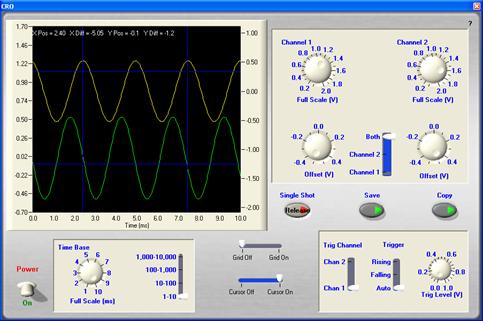
- Sampling rate to 44 kHz.
- Dual channel input from microphone, or TLI WaveGen.
- Course and fine Time Base control.
- View both, or single channels.
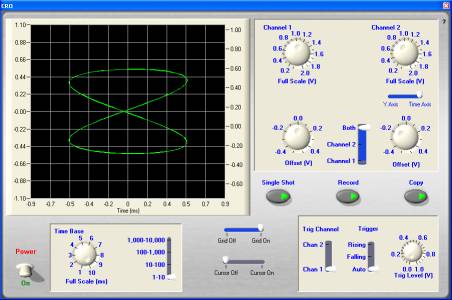
- Display Lissajous figures.
- Measure amplitude and frequency directly on the screen using cursors.
- Save the input as a .wav file.
- Copy the screen wave form and paste to your favourite application.
How it Works
TLI CRO uses the computer’s microphone, or 'Line In' to take signals into the computers multimedia centre. Most computer microphone sockets are single channel, whereas the 'Line In' socket is dual channel. The record feature allows you to record the signal you are watching as a .wav file. This is ideal for musical instruments etc.